
Free tool
Email deliverability checker
Type in a domain and see whether its email records are in place, what each one does and what to fix first.
- Runs in your browser
- Sends no email
- Does not store the domain
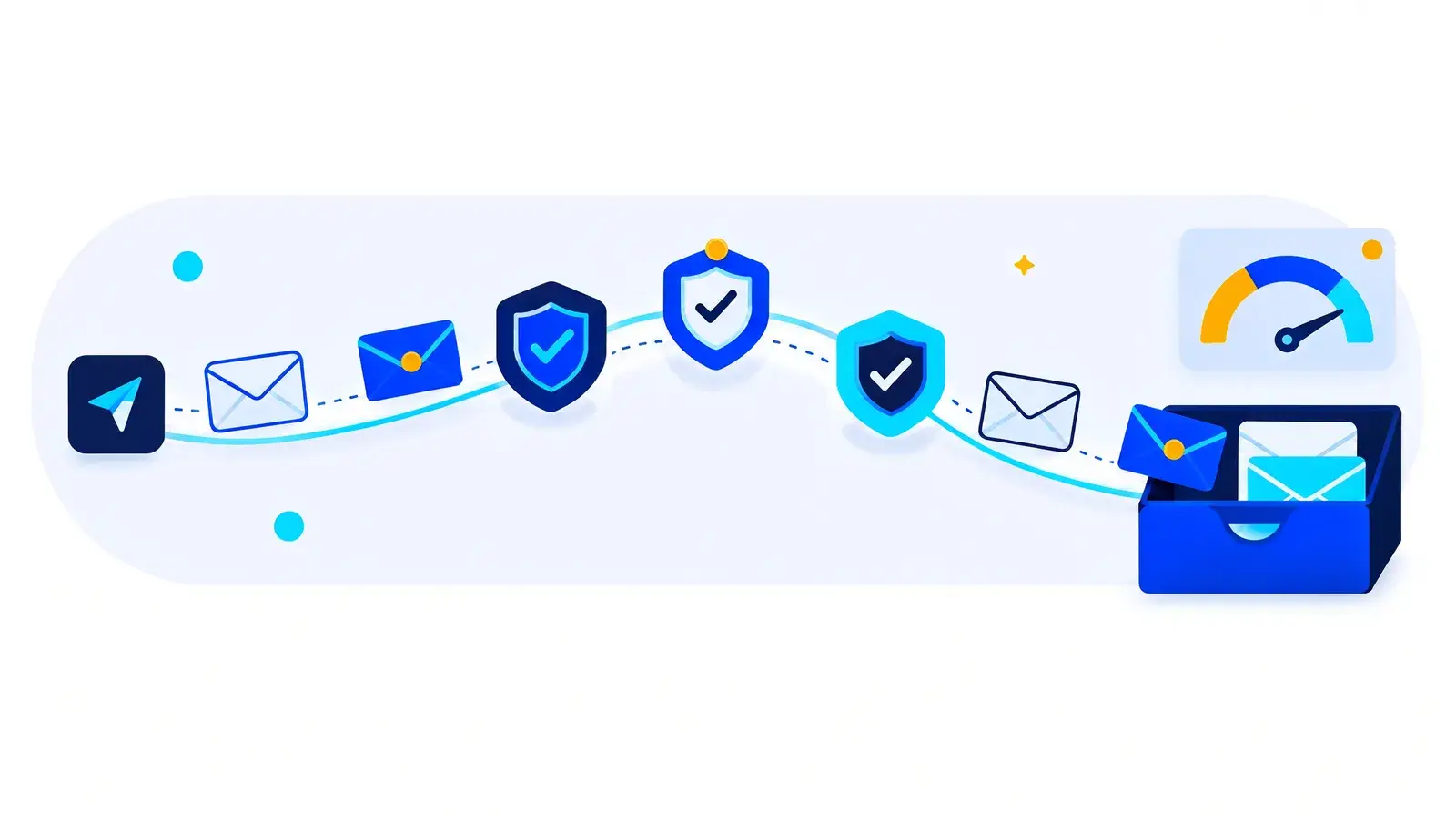
The checker looks up a domain's public MX, SPF and DMARC DNS records in your browser and explains what it finds in plain words. It does not send email and it does not store the domain you enter. It cannot check DKIM, because a DKIM record can only be found by someone who knows the selector the sender uses.
Updated November 2026Check a domain
Enter the domain only, without https or www. The records are public, so you can check your main domain, a sending domain or any other domain.
What does each record do?
Receiving mail servers read these records to decide whether an email really comes from the domain it claims to come from.
- Checked
MX
Mail exchanger records tell other servers where to deliver email for the domain. Without them, replies to your outreach have nowhere to go.
- Checked
SPF
Sender Policy Framework is a DNS record that lists the servers allowed to send email for the domain. A domain should have one SPF record, not several.
- Not checked here
DKIM
DomainKeys Identified Mail signs each message so the receiver can confirm it was not changed. The key sits under a selector chosen by the sender, so it cannot be looked up from the domain name alone.
- Checked
DMARC
DMARC tells receivers what to do with email that fails SPF and DKIM for your domain: nothing, quarantine it or reject it. It can also send you reports on who is sending in your name.
What should you fix first?
If the checker finds a gap, work through the list in this order. Each step depends on the one before it.
- MX. Make sure the domain can receive email. A campaign is pointless if replies bounce.
- SPF. Publish one record that includes every service that sends email for the domain. If you find two SPF records, merge them into one.
- DKIM. Turn on DKIM signing in each service that sends for the domain and publish the key it gives you. To confirm it works, send yourself an email and look for a DKIM pass in the message headers.
- DMARC. Add a record with a reporting address and start with a policy that only monitors. Read the reports, fix any legitimate sender that fails, then move to quarantine and later to reject.
What can the records not tell you?
Passing all three checks means receivers can verify who you are. It does not mean your email reaches the inbox. That still depends on the reputation of the sending domain, the quality of the list, how much each inbox sends and whether the message is relevant to the reader.
This is why we do not send email campaigns from a client's main domain. Campaigns go out from separate, warmed lookalike domains with SPF, DKIM and DMARC in place, so outreach never puts the company's everyday email at risk.
If you are not sure how to change a record
DNS records are edited wherever the domain is managed, usually the registrar or the hosting provider. A wrong edit can stop email for the whole company, so make one change at a time and run the checker again after each one.
Questions about the checker
Does the checker send email or keep my domain?
No. It reads public DNS records from your browser. It sends no email and does not store the domain you enter.
Why can't the checker test DKIM?
A DKIM key is published under a selector that the sending service chooses. Without the selector there is no fixed place to look. You can find it in the DKIM signature of any email sent from the domain.
All three records pass. Why does my email still go to spam?
Authentication proves who sent the email. Placement also depends on sender reputation, list quality, sending volume and the message itself. A new domain with no sending history needs a warm-up period first.
Can a domain have two SPF records?
It should not. Receivers treat more than one SPF record as an error, and the check fails. Combine every sending service into a single record.
Which DMARC policy should I start with?
Start with a monitoring policy and a reporting address, so nothing is blocked while you learn who sends email for your domain. Once every legitimate sender passes, move to quarantine and then to reject.
Want a steady flow of qualified meetings with the buyers you want?
Book a 15-minute growth audit. You leave with three next steps for outbound, AI search and your website, whether or not we work with you.